


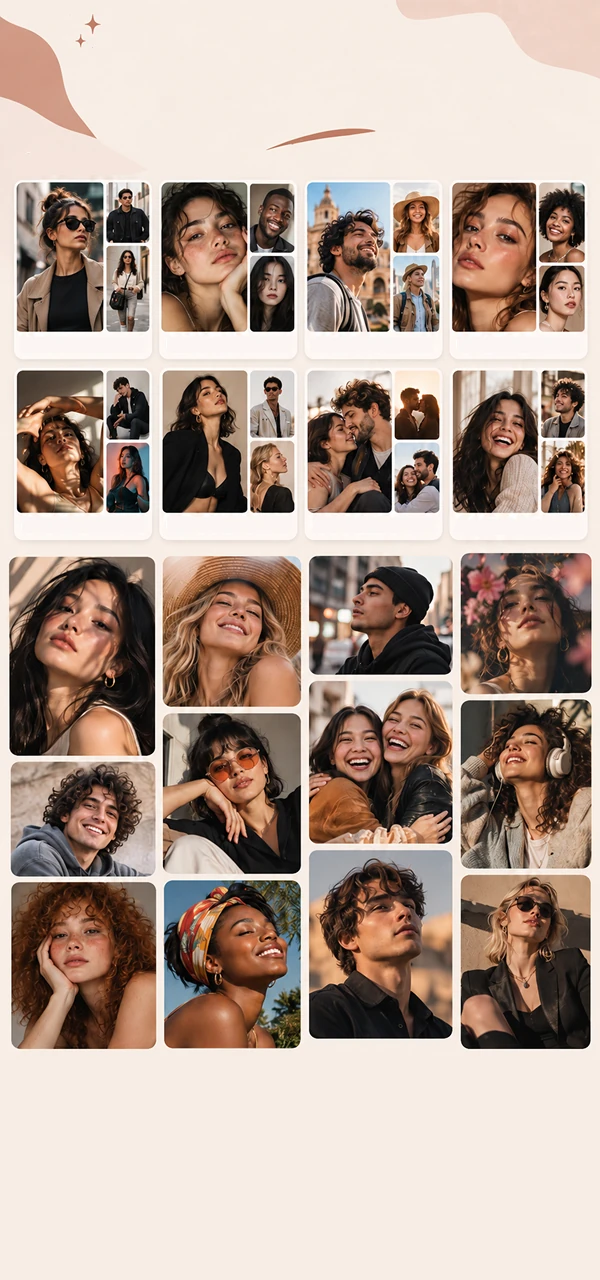
Find your reference
Explore curated photo ideas for popular poses and settings, or choose your own reference photo.
Find the perfect pose and composition for any photo that inspires you, without endless explanations and retakes.
Explore curated photo ideas for popular poses and settings, or choose your own reference photo.
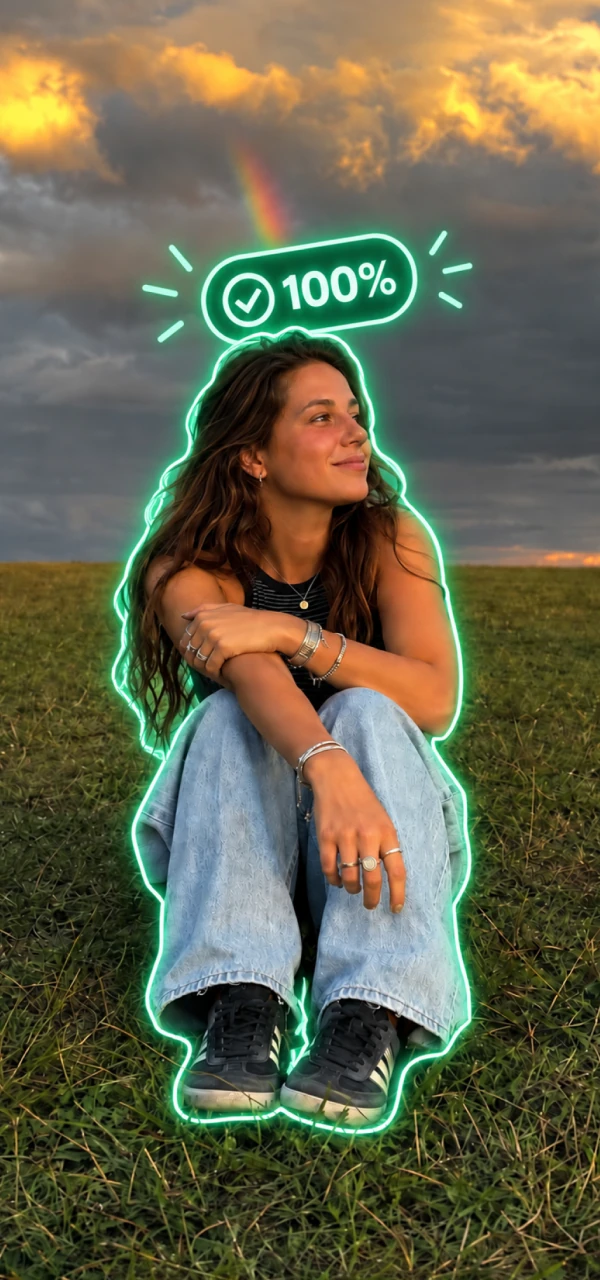
See your reference directly over the camera view and adjust the opacity to match pose, angle, and framing.
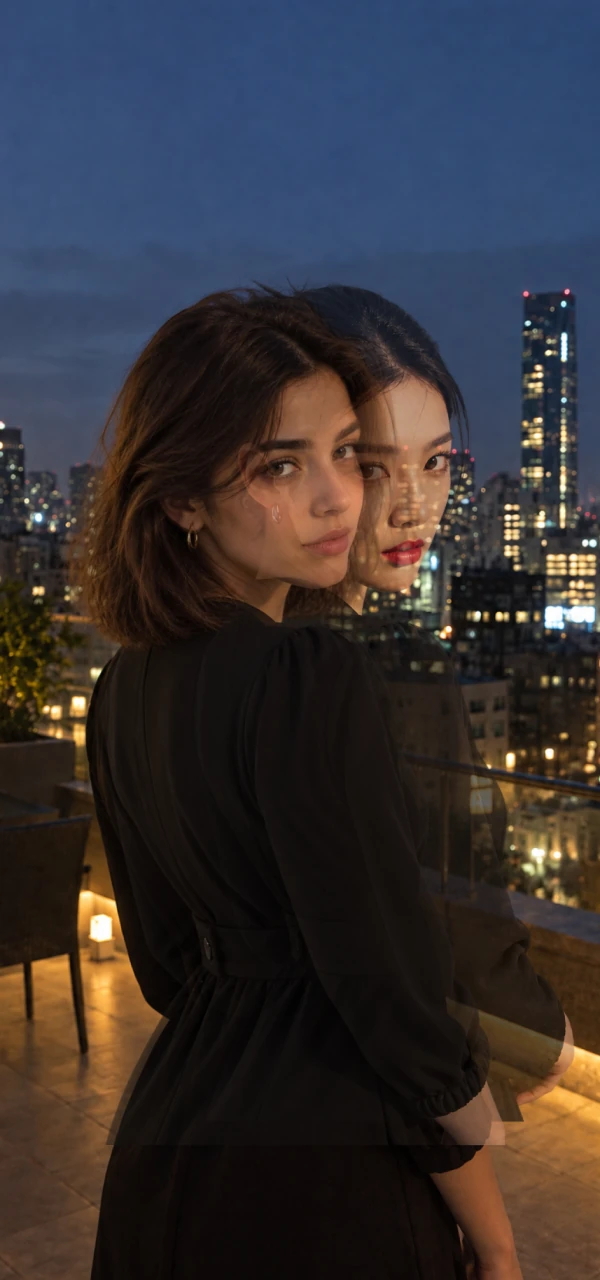
Capture, save, share, or retake without endless explanations and guesswork.
Browse inspiring photo ideas for wherever you are and whatever you're doing, then match the pose, frame, and feeling.
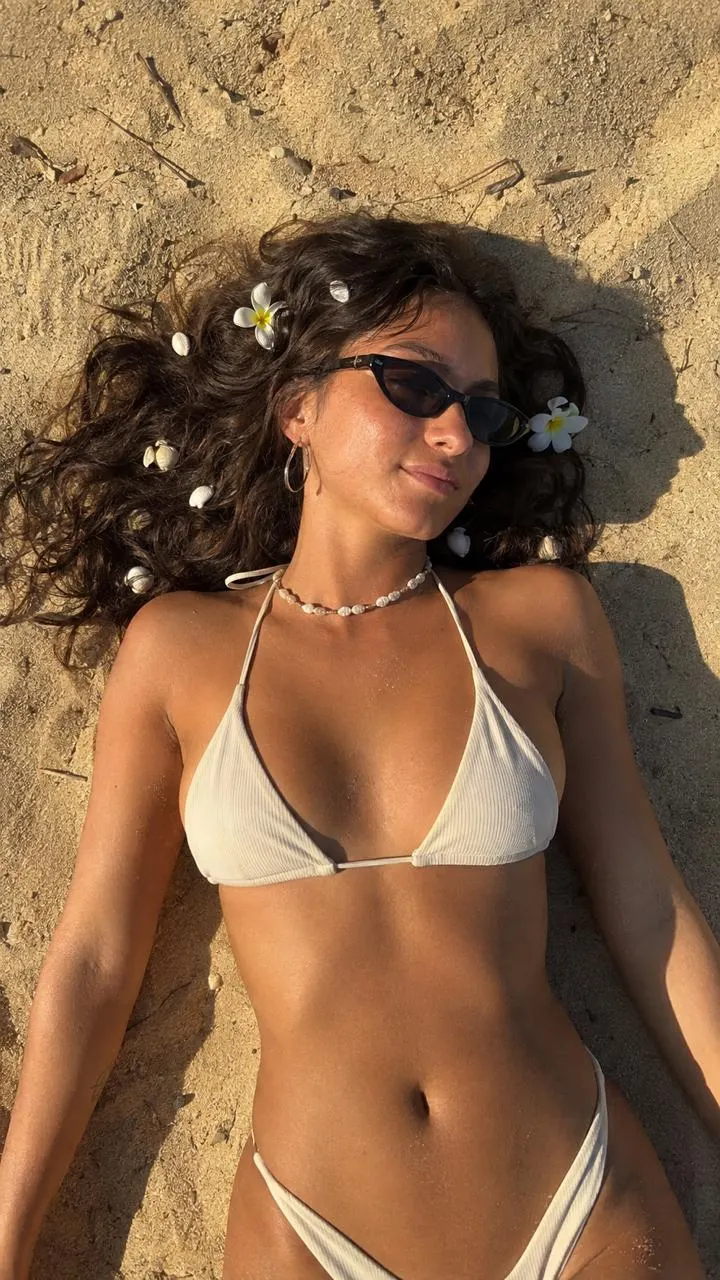
Vacation ideas focus on easy, sunlit photos that feel relaxed and memorable: beach poses, poolside frames, resort mornings, sunset walks, and warm destination moments.

Chilling at home ideas turn everyday spaces into natural photo references: cozy corners, soft window light, kitchen moments, mirror shots, loungewear, and calm routines.
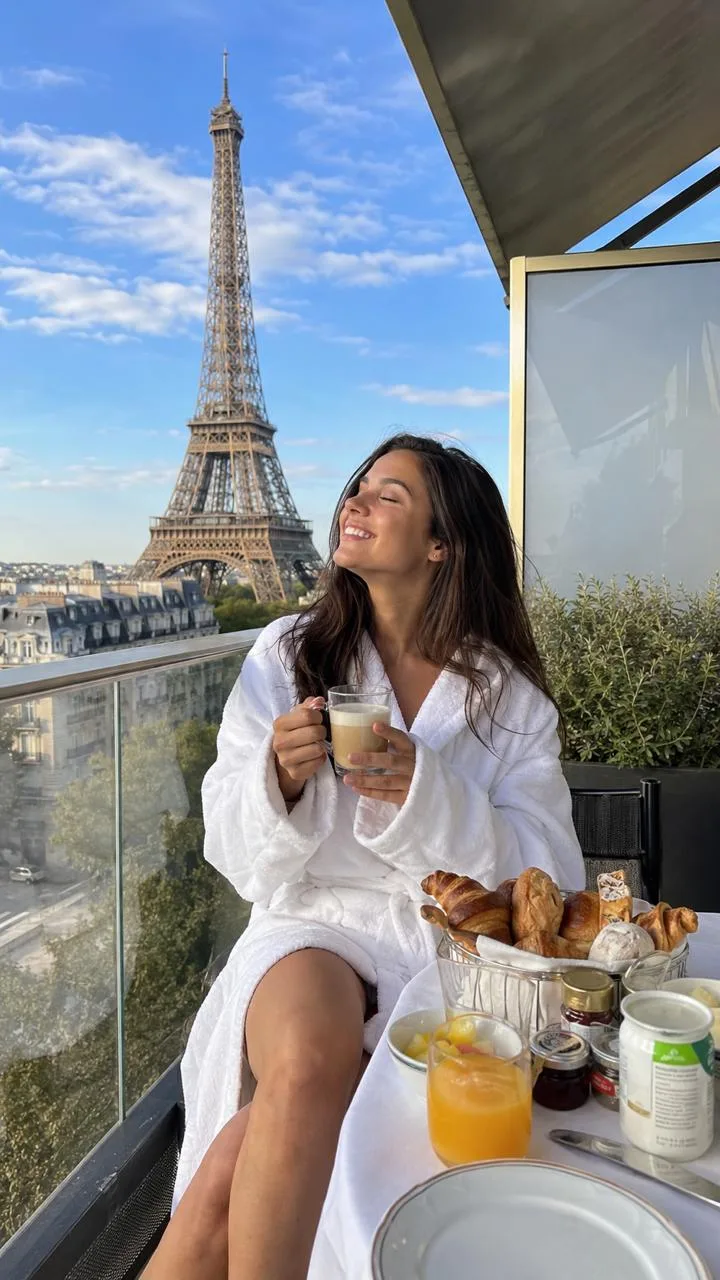
Traveling ideas help frame the place as part of the story: landmark views, city walks, hotel details, balconies, markets, museums, and photo poses built around movement.
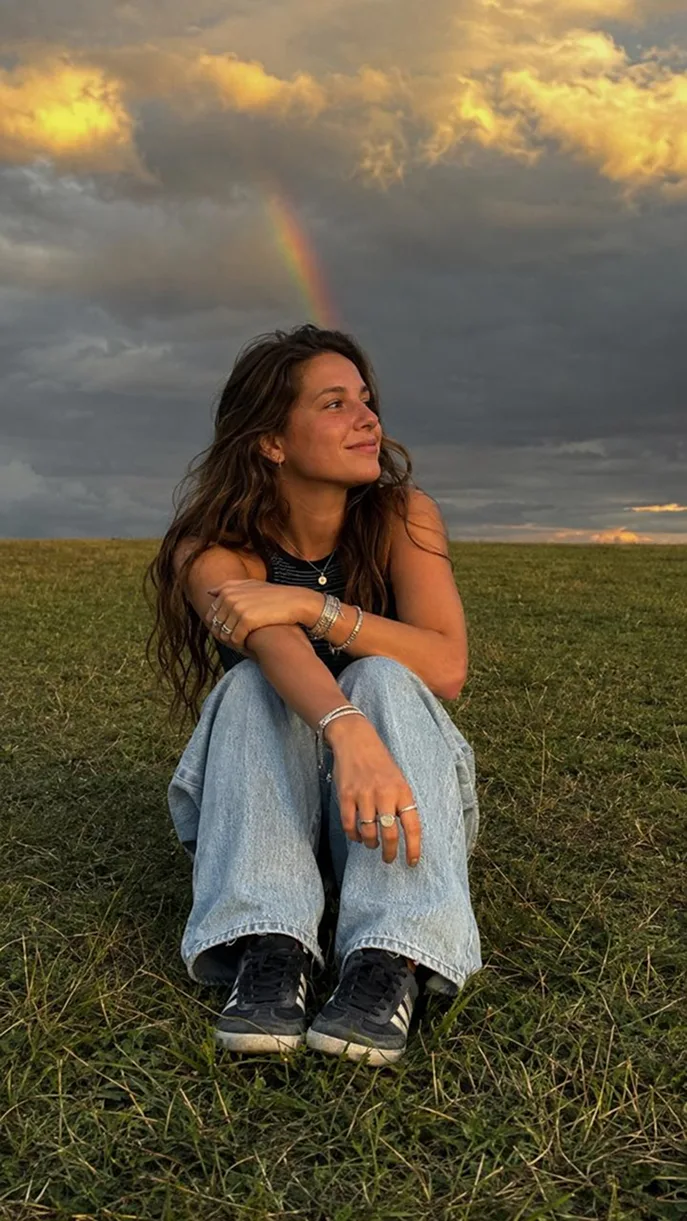
Each mood has a distinct visual character: calm photos might use soft light, dreamy photos can feel airy, bold photos need stronger contrast, and nostalgic shots lean warmer.
Step 1
Choose a photo from curated collections or use your own.
Step 2
Use the reference as a transparent overlay while you frame the shot.
Step 3
Match the pose and composition, capture the photo, and save or share it.
ReCreate helps you recreate photos you love. Pick a reference photo, open the camera, and use the transparent overlay to match the pose, angle, framing, and composition.
ReCreate is for everyone who wants to take better photos without awkward posing, endless retakes, or trying to explain the exact shot they have in mind. Whether you're taking photos of your partner, friends, or yourself, ReCreate helps turn inspiration into a photo you can actually recreate.
Choose a photo you want to recreate, then open it in ReCreate's camera. The reference appears as a transparent overlay, helping you position the camera and subject more accurately.
Yes. ReCreate lets you place a reference photo over the camera preview, then change the opacity so you can match the pose, angle, framing, and composition before taking the picture.
Yes. ReCreate is useful for couple photo pose ideas, travel photo pose ideas, solo portraits, group photos, and any shot where a visual reference is easier than explaining the pose from memory.
Yes. You can use your own photo inspiration and recreate the shot with ReCreate.
Yes. You can explore curated collections of photo ideas for different situations, locations, and moods, then recreate the ones you like.
Not necessarily. ReCreate can help whether someone else is taking your photo or you're setting up the shot yourself. The overlay makes it much easier to explain exactly what you want.
ReCreate includes free functionality, with additional features available through ReCreate Pro.